

Sarim RSPS
Download
Sarim RSPS
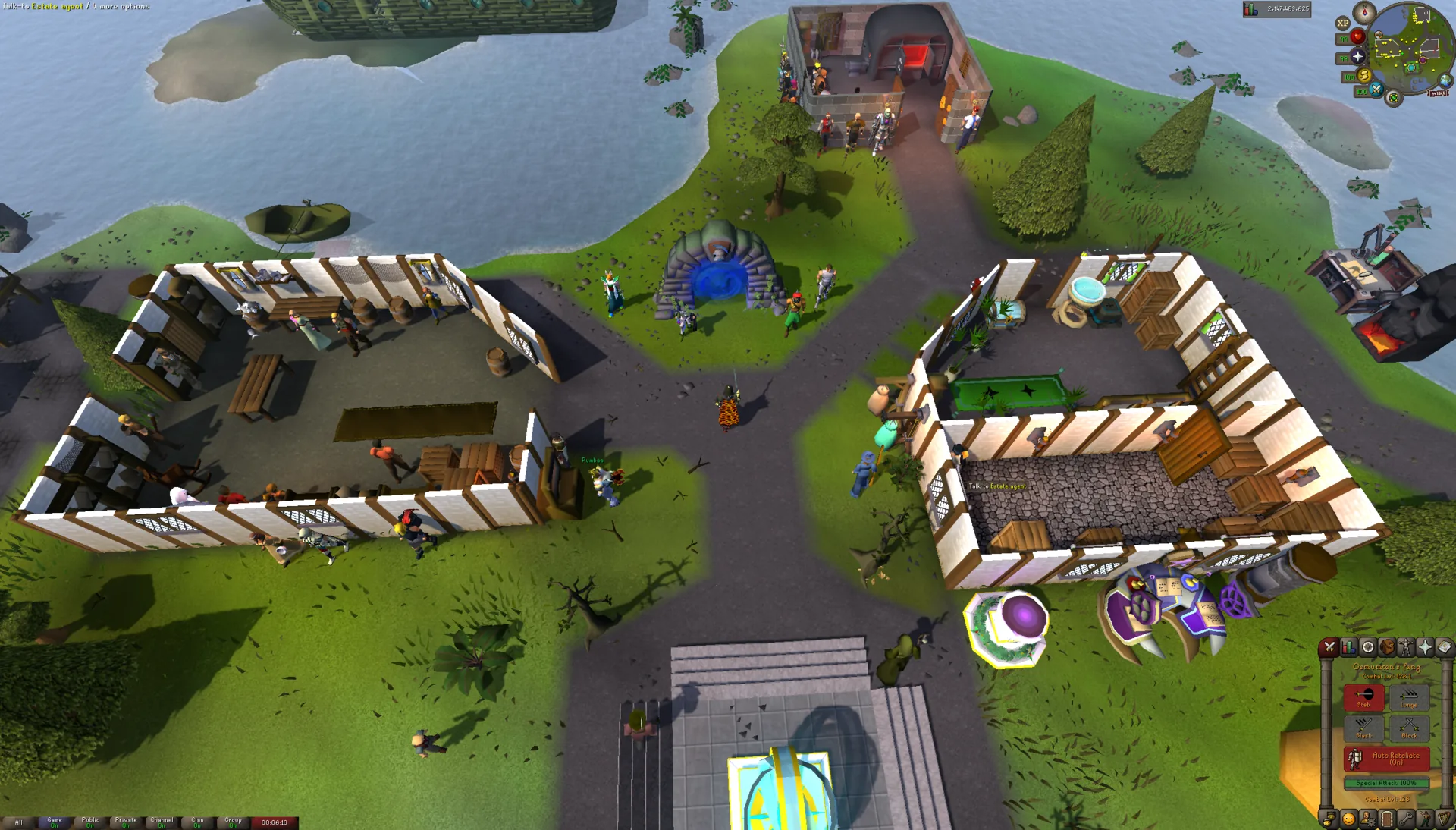
Sarim is a free, semi-custom OSRS private server with account perks and Echo bosses. Download the launcher, then create your account in the game client.

Official download
Sarim Launcher
The launcher downloads and updates the game client.
Same JAR for every platform · Java 21 recommended.
Download launcherInstall Java for your computer before opening the JAR. On macOS, use an installed Java 21 runtime.
Get Java 21Playing later? Keep this page for your computer.
Client setup
Install and log in
Open the game through the launcher each time so your client stays up to date.
Get the launcher
Download Sarim-Launcher.jar above. Use a Java runtime that matches your computer’s operating system and processor.
Open & update
Open the JAR with Java, or run the command below from its download folder. Let the client finish downloading before you log in.
java -jar Sarim-Launcher.jarStart your account
In the client, log in with an unused username and a new password to create your Sarim account. Choose your appearance, account mode and XP difficulty in the setup screens that follow.
Follow the first-session guide
Sarim uses a separate account from OSRS. Choose a new password; never reuse your RuneScape password.
Account setup
Account modes
and XP rates
Choose your account’s rules and XP difficulty in the client after setting your appearance.
Compare all account modesRegular
Trade with other players and use the player economy.

Ironman
Build a self-sufficient account. Hardcore and Ultimate add death-status or banking restrictions.

Group Ironman
Play in a group of up to five. Hardcore Group Ironman gives the group five shared lives.
Lucklocked
An Ironman mode where normal drops stay the same, but rare and unique loot comes from mystery boxes, keys and clues. You start with three Low Tier boxes and a Slayer box.
XP difficulty also affects progression bonuses. Changing it resets your skills; read the consequences before choosing.
See rates and change rulesGetting started
Perks and equipment attachments
Slayer, achievements and collection-log progress are useful first goals while you learn Sarim’s systems.
Equip your first
free perk
Your first free unlock grants a level 5 perk. Equip it in Sarim Perks; you have six active slots from the start.
Read the perk guideAdd effects
to your gear
Disintegrate eligible items for materials, then use them to apply equipment attachments such as Trailblazer on boots.
Read the Workbench guideWant a route to follow?
The first-session guide takes you from account setup to your next goal.
Launcher help
Trouble opening
the client?
If these steps don’t help, send your operating system and the error message in Discord.
Get launcher helpThe JAR won’t open
Install Java 21 for your operating system and processor, then reopen your terminal and try java -version. From the folder containing the launcher, run java -jar Sarim-Launcher.jar. If the file opens as an archive, use this command instead.
Which Java version do I need?
The launcher can start on Java 8, but the game client runs on Java 21 or newer. We recommend starting with Java 21 installed. Windows and Linux have an automatic runtime-download path; on macOS, install Java 21 first.
The launcher is still downloading
The 1.16 MB file is the launcher, not the whole game. First launch downloads the client and game data. If an error appears, note the message and contact launcher support; include your operating system so we can help with the right setup.
Can I play on my phone?
A mobile client is in development. Use the desktop launcher to play. You can copy this page’s link above and return to it on your computer.
Is Sarim free to play?
Yes. The launcher and access to the game are free. Optional bonds grant paid gameplay benefits, including Workbench material bonuses; see all rank benefits before purchasing.
Where can I learn the client and plugins?
The Sarim client guide explains Sarim Perks, Hub and Shops. The Guide library covers account choices, setup and progression.